Docs
Learn Whali
Everything you need to go from a blank profile to personalised cold emails, replies and interviews: short video tutorials plus written guides for every page.
Video tutorials
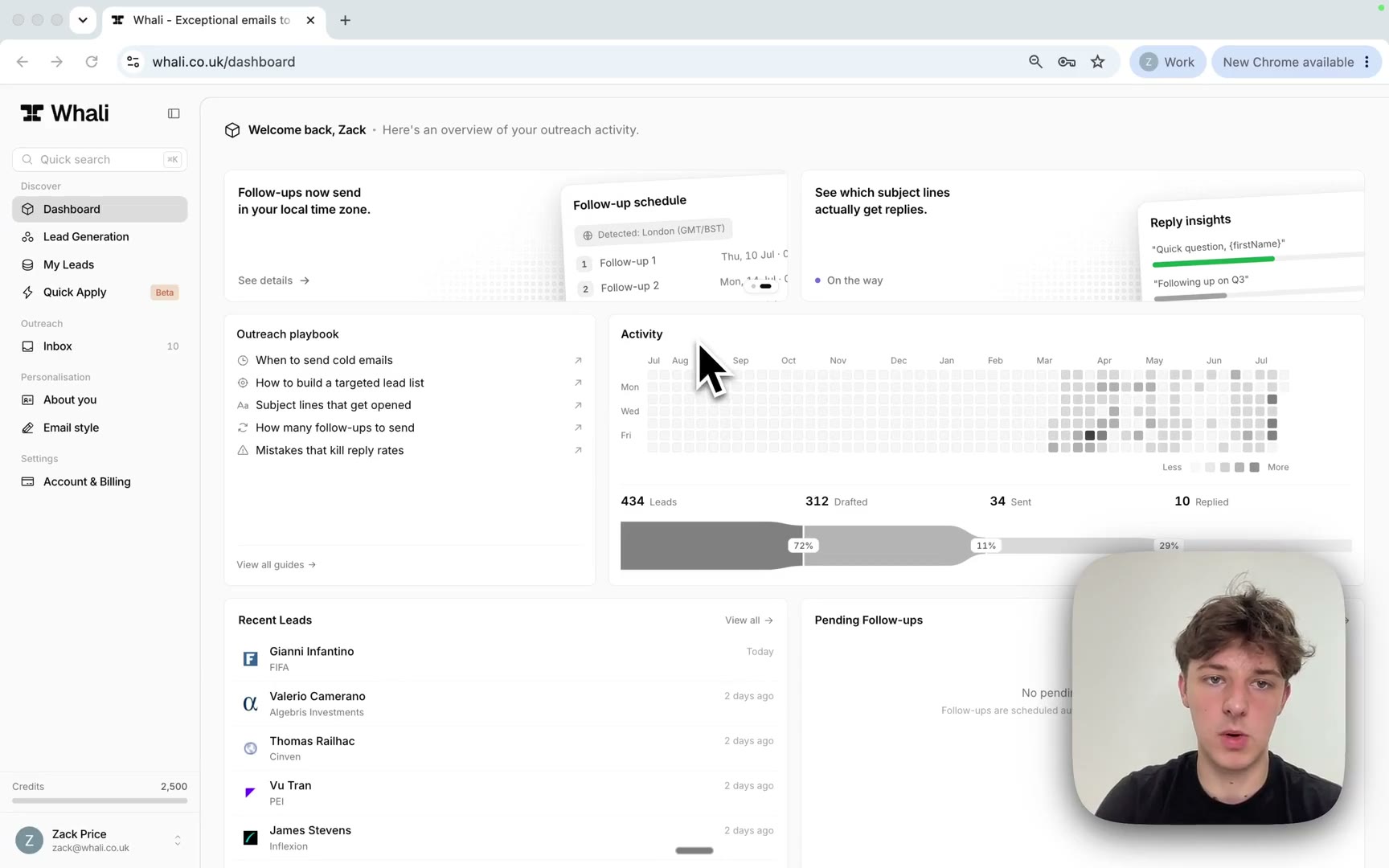
0:35
Dashboard tour
See how the dashboard tracks your outreach: the setup checklist, activity heatmap, funnel stats, recent leads and pending follow-ups.
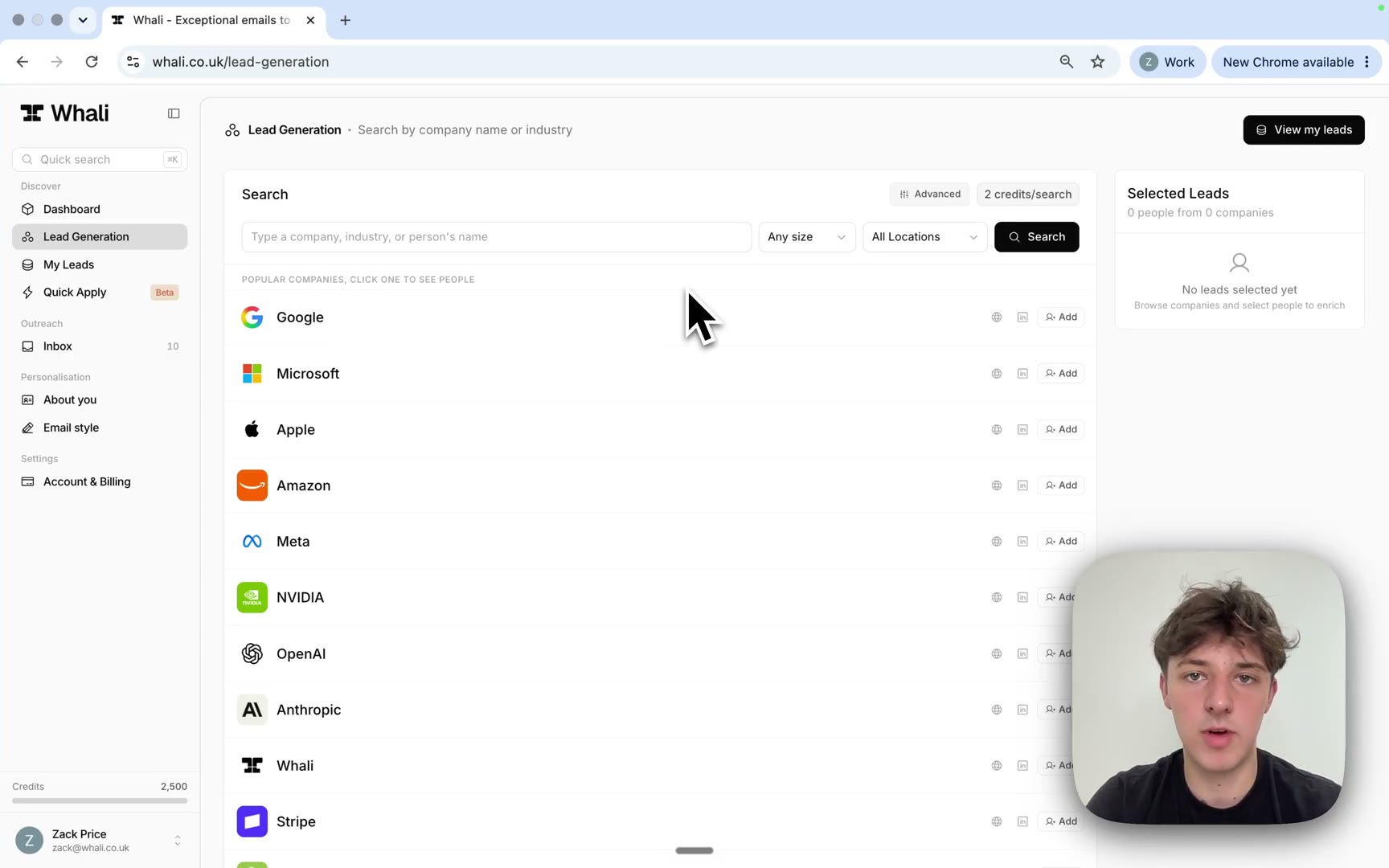
3:34
Find leads with Lead Generation
Search companies and people in our lead database, shortlist the right contacts and research them for verified emails and real profile detail.
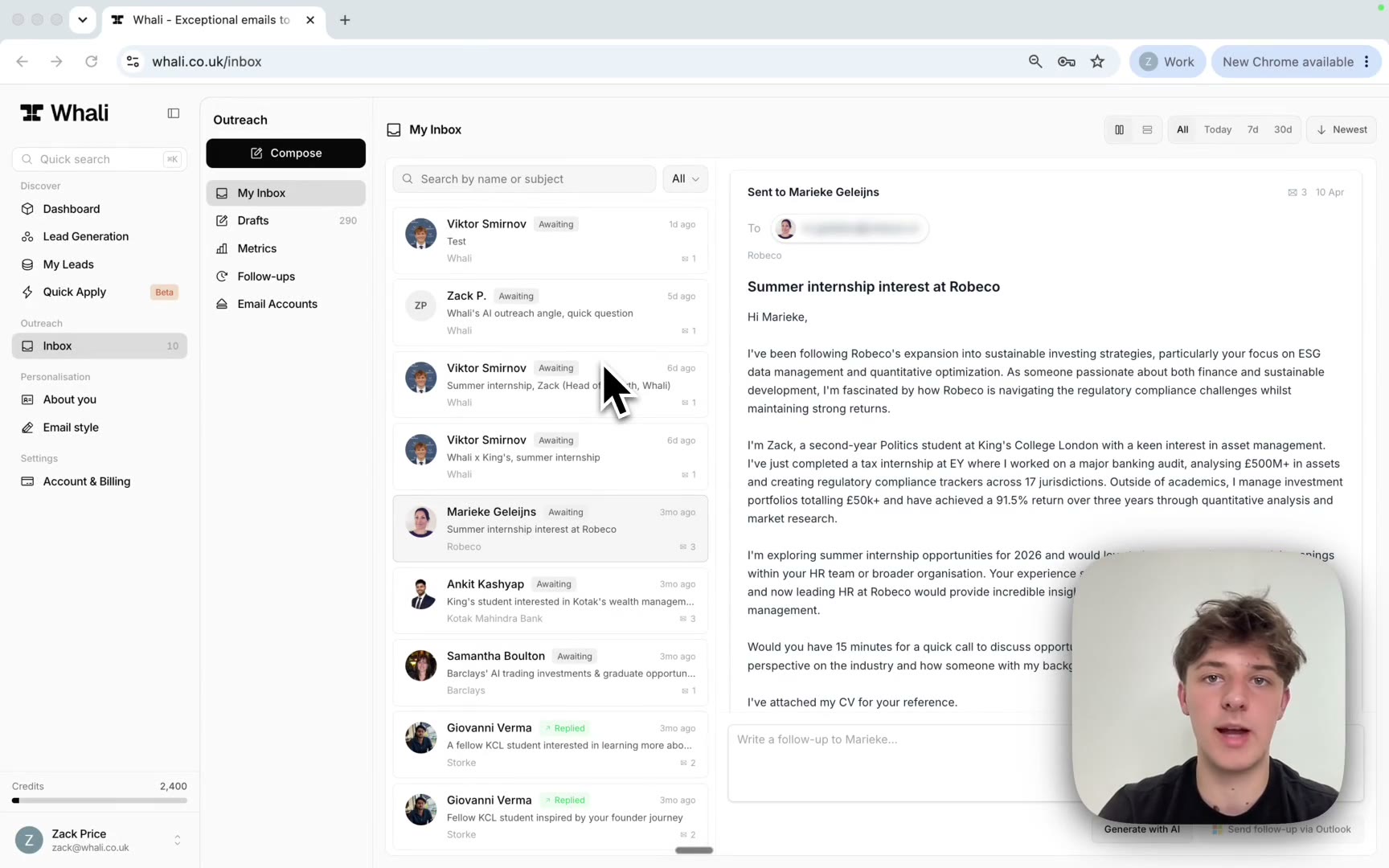
3:48
Master the Inbox
Draft, schedule and send personalised emails, then track conversations, replies and automatic follow-ups in one place.
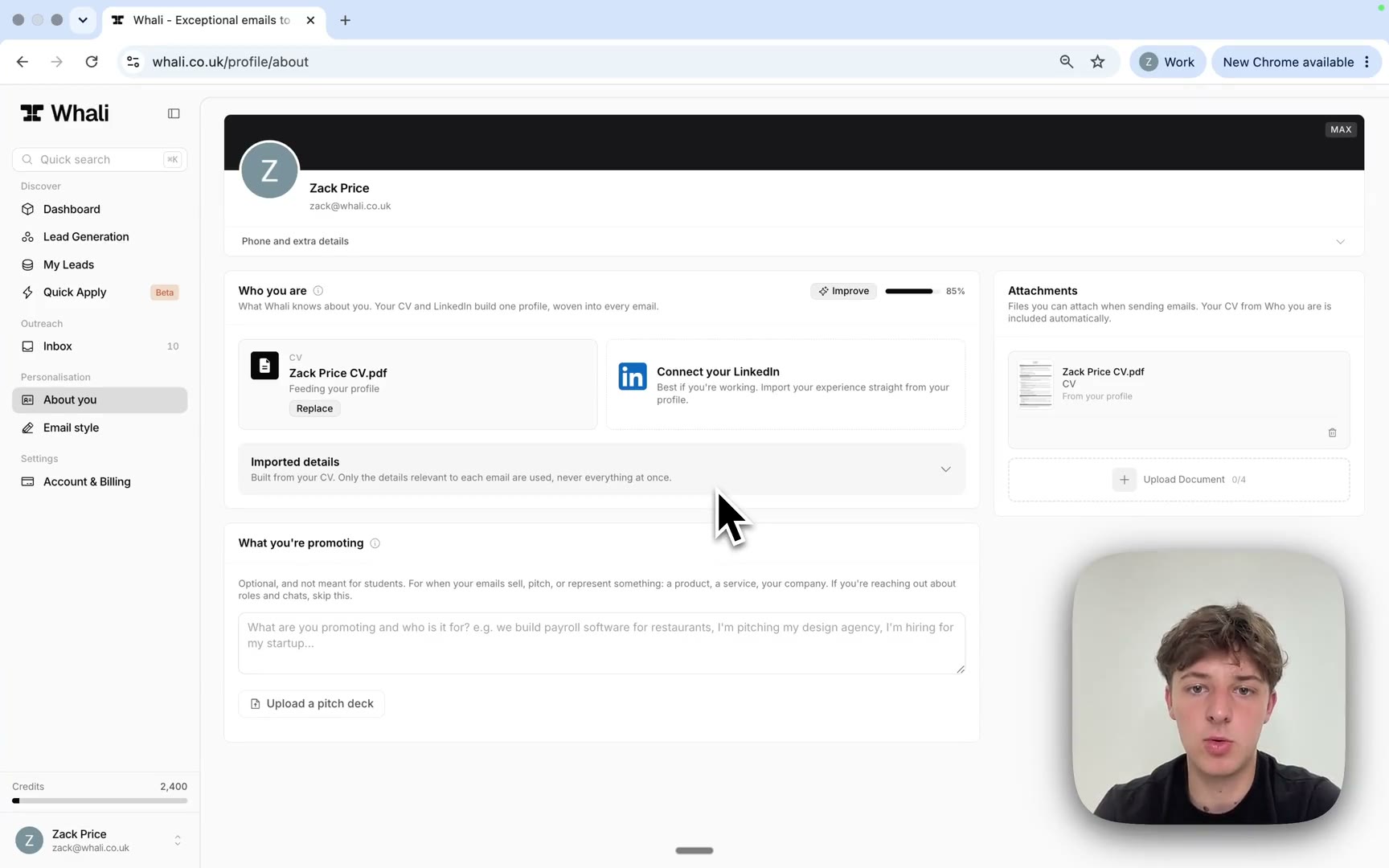
0:47
Set up your About you profile
Upload your CV and build the profile Whali weaves into every email: imported details, attachments and what you are promoting.
All guides
Getting started
- Set up Whali in 10 minutesA ten minute Whali quick start: fill in About you, set your email style, connect your inbox, find a lead, send your first email and let follow-ups run.
- The Whali dashboard explainedHow the Whali dashboard works: the personalised Hiring now companies strip, the Get started checklist and its bonus credits, the activity heatmap, your outreach pipeline, recent leads and follow-ups.
Network
- Connect: find and research contactsSearch companies and people in Whali's lead database from the Connect tab, pick the right contacts, and research them for verified emails and profile detail.
- My Leads: track contacts and outreach statusMy Leads is your saved contact list in Whali. Track research and outreach status, read profiles and company research, add notes, and generate emails in bulk.
- The Whali Inbox: conversations, replies and metricsThe Whali Inbox brings every outreach conversation into one place: track replies, work through drafts, check open and click metrics, and manage follow-ups.
- Writing, sending and scheduling emailsDraft cold emails with AI in Whali, edit them and attach your CV, then send now, schedule for later, or send a batch of drafts spaced out like normal mail.
- Automatic follow-ups: how the cadence worksWhali follows up on every outreach email until the person replies. Set the cadence, gaps, tones and send conditions, and manage the queue. Follow-ups are free.
- Import company lists: turn a CSV into researched leadsUpload a CSV of companies and Whali finds the right people at each one: matched, verified and researched into My Leads with emails ready. Matching is free; you pay only per enriched lead.
Personalisation
- About you: build your Whali profileHow the About you tab under Personalisation builds your Whali profile: CV upload, LinkedIn import, profile strength, imported details, attachments and what you are promoting.
- Email style: a conversation that writes your email briefThe Email style tab under Personalisation sets up the prompt behind every generated email through a short conversation: one question about who you email and why, then a few taps, and the assistant writes the cards. Sample emails before you have leads; up to six named styles.
Account & billing
- Connect your Gmail or Outlook mailboxConnect a Gmail or Outlook mailbox to Whali so outreach sends from your own address. Covers the popup consent flow, wrong-provider warnings and disconnecting.
- How credits and plans workWhat Whali credits buy, what costs nothing, when they reset, how to change plan on the Account & Billing page, and how the refer a friend discount works.